
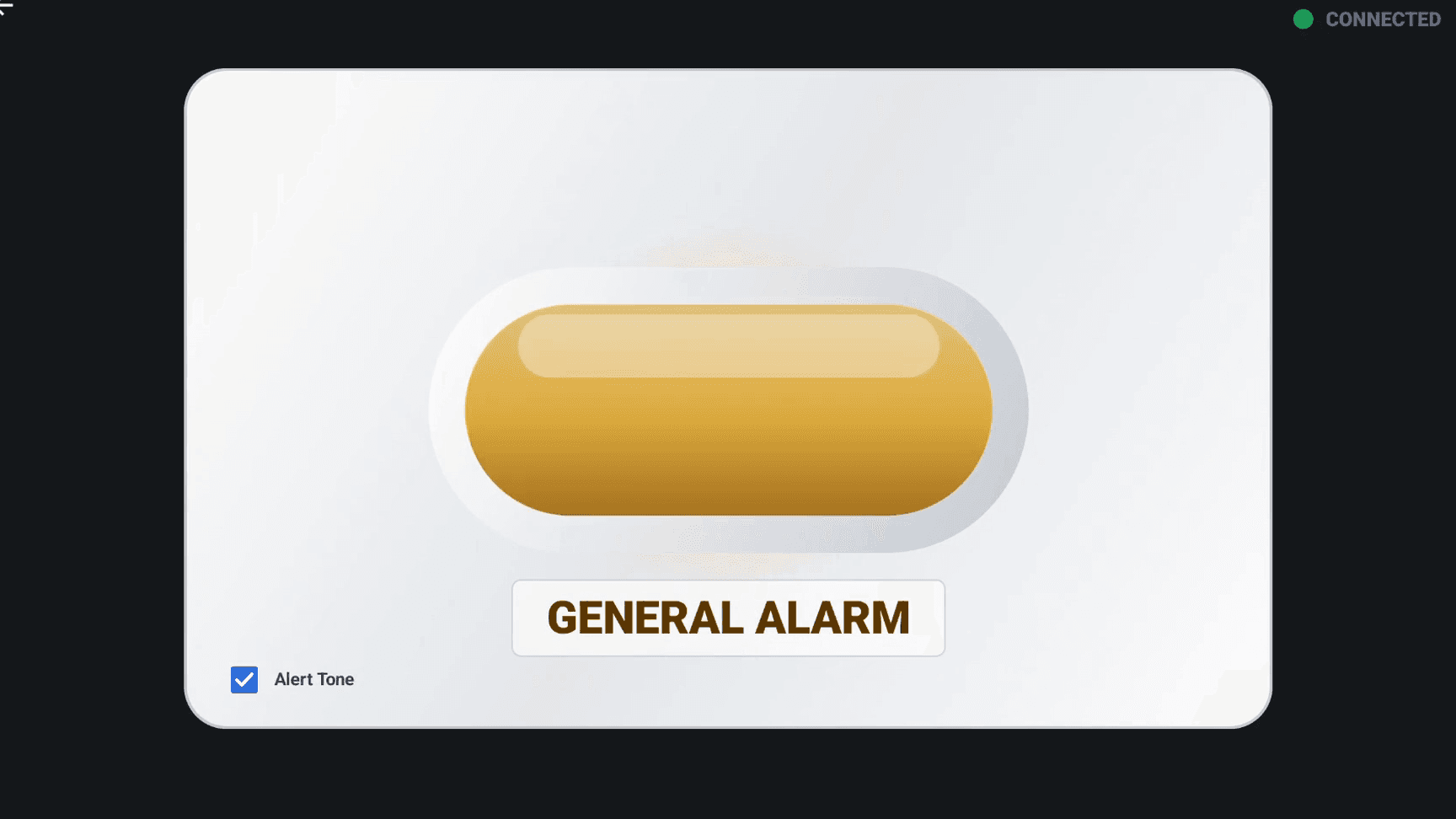
General Alarm
Shows for every routine alert the room raises:
- Call Bell
- Bed Alert
- IV Pump
- Telemetry Low
- Telemetry Medium
- Telemetry High
What it is
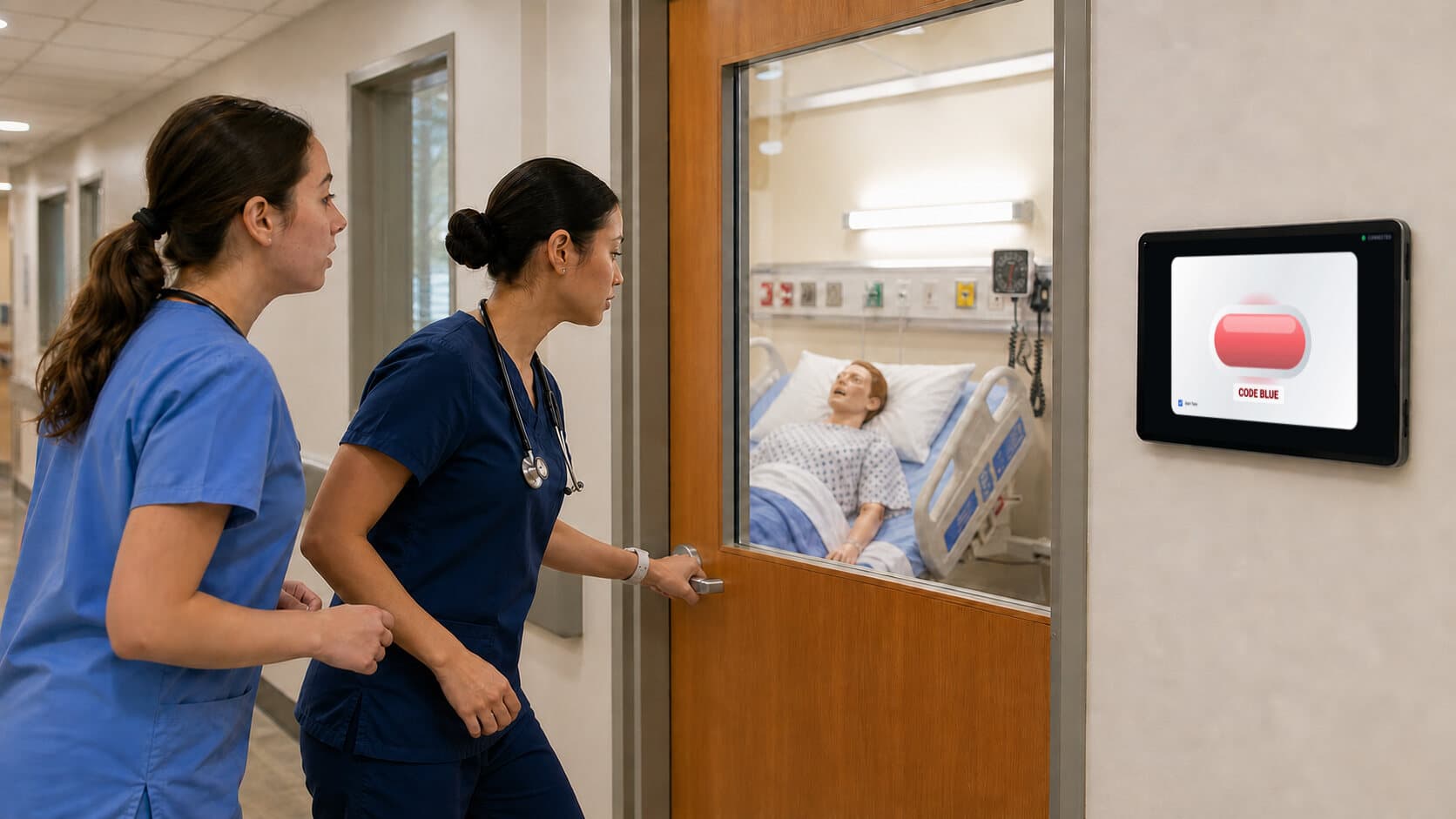
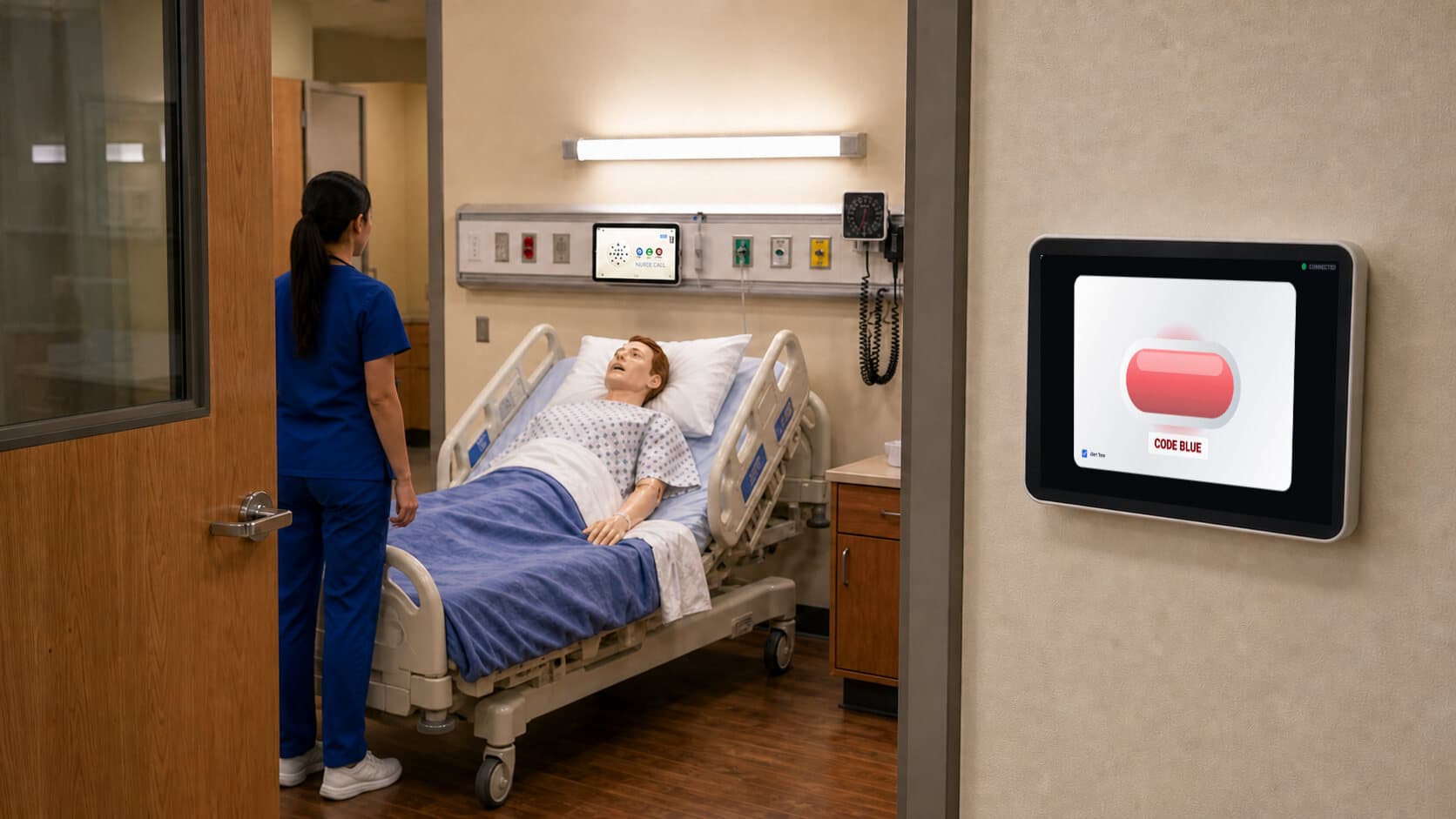
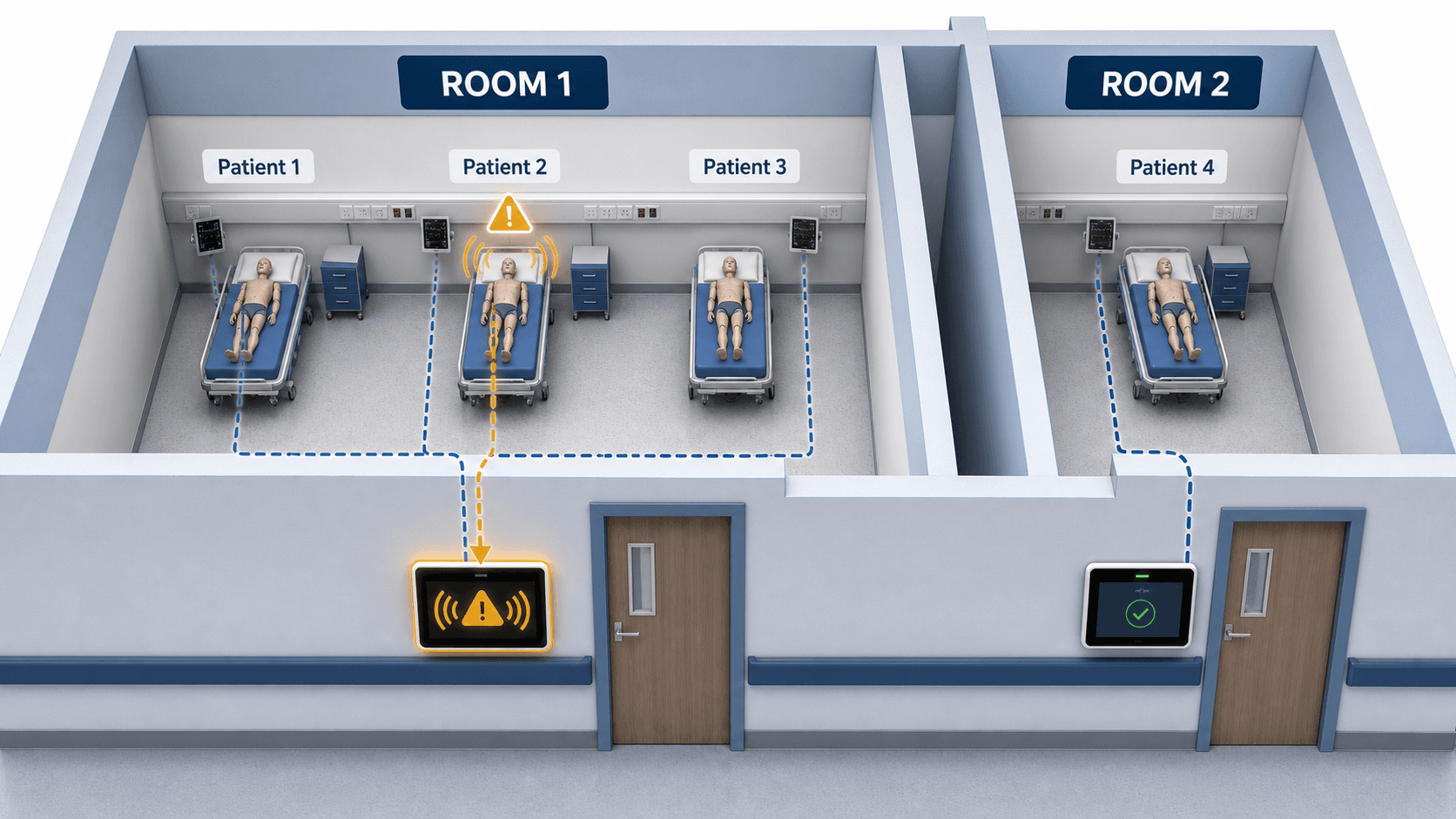
On a real unit, a light outside the door tells staff which room needs attention. Most simulation labs don't have one, so students working the floor can walk past a room that's calling for them.
Door Alarm is that light, running on a tablet. Mount a tablet on the wall outside the room, pick Door Alarm as the monitor type, and it shows what the room is calling for. No wiring, no ceiling work, nothing installed in the building.
The two states
Nurse Station handles the specifics. The hallway only has to answer one question: does this room need someone?
Shows for every routine alert the room raises:
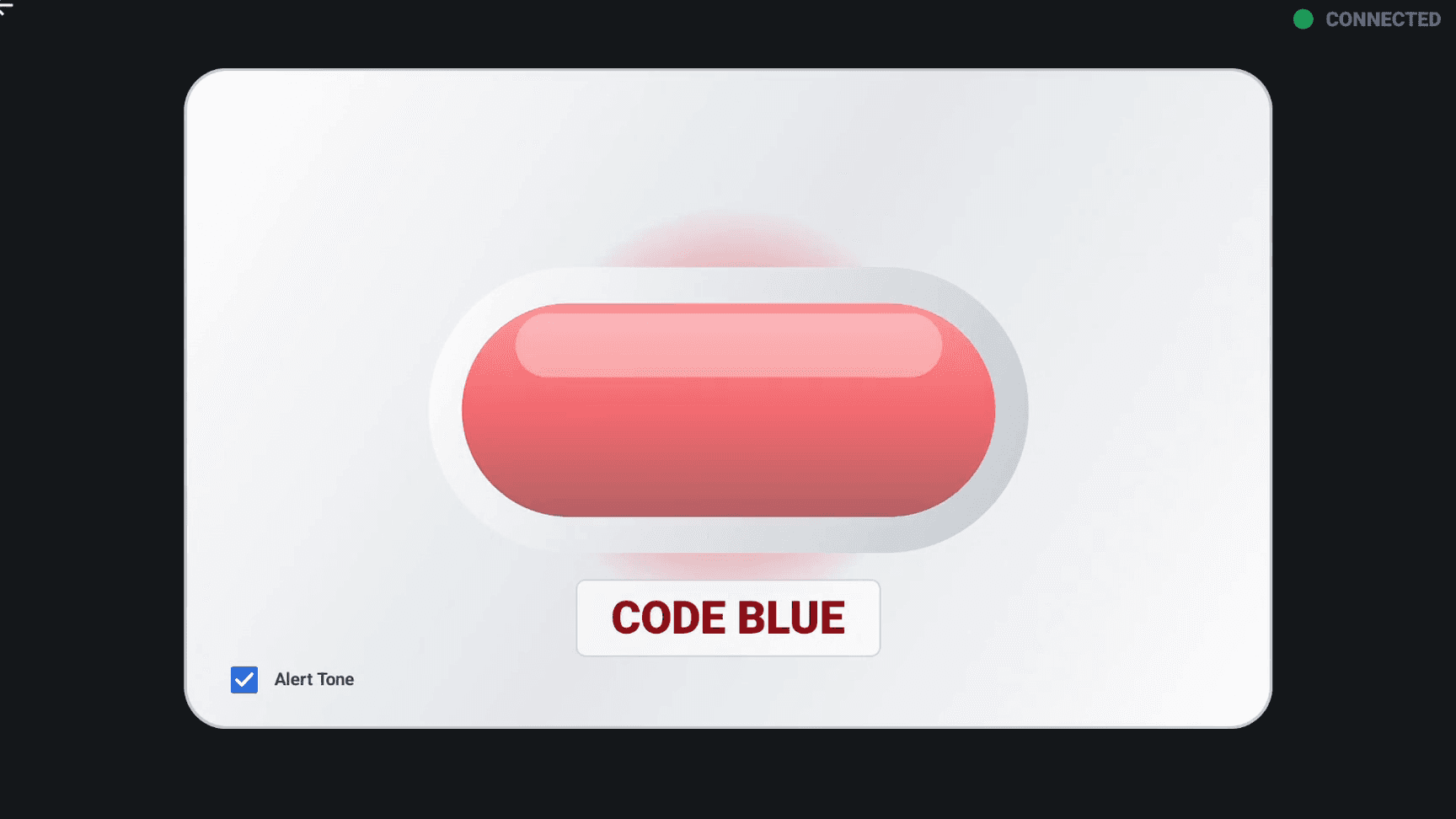
Shows only for a code blue.
Shown with Alert Tone enabled.
If two patients in the same room are alarming at once, Code Blue takes priority. The alert type, the patient, and the details all stay on Nurse Station, where staff manage them.
Room-aware alerts
Door Alarm follows the room, not just the patient used to start it. If any patient assigned to that room alarms, the hallway display responds automatically.
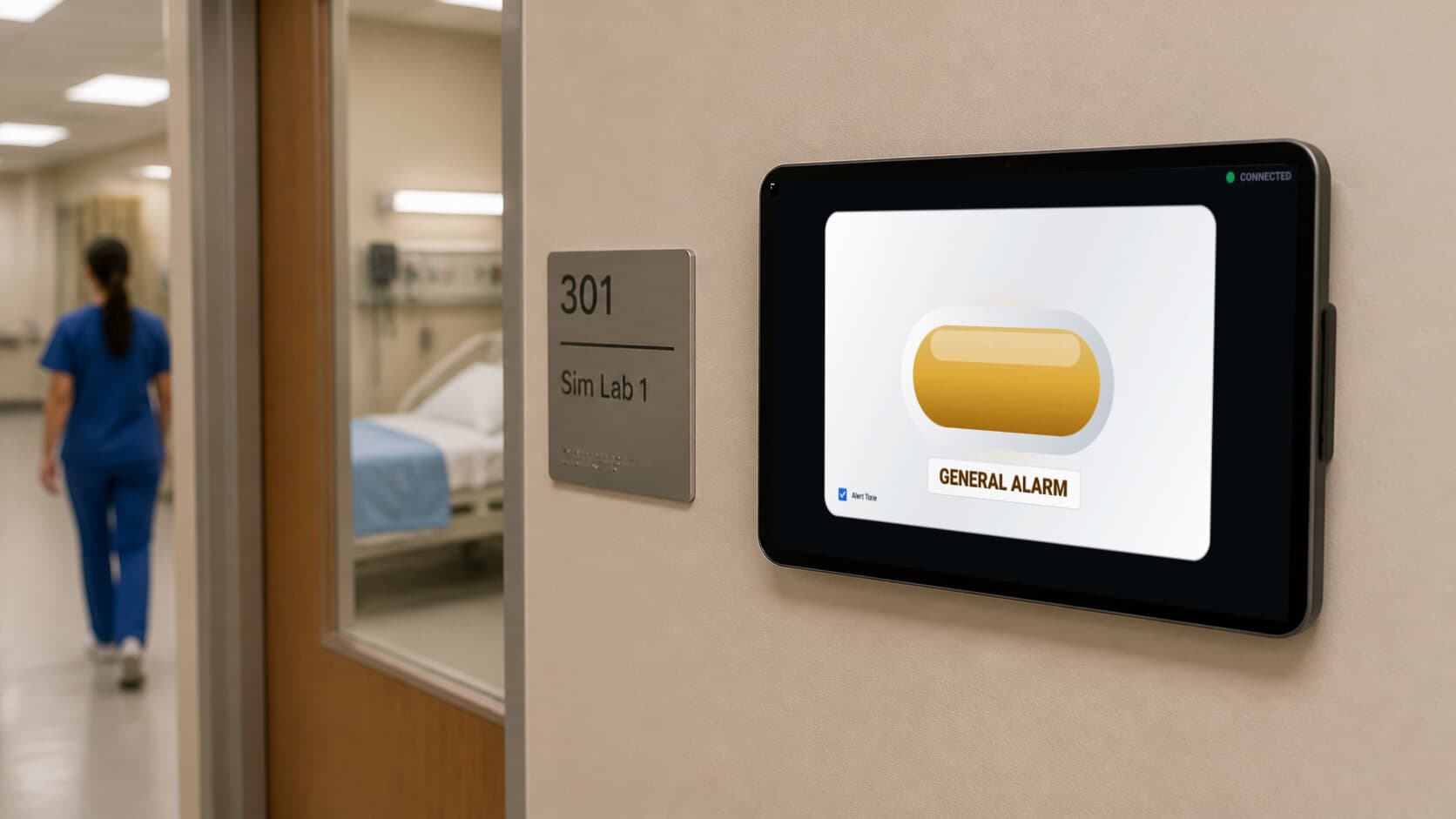
Door Alarm is visual by default. Turn on Alert Tone when you want that tablet to sound while an alarm is active, with a more urgent tone for Code Blue.
The setting is per tablet, so you can use sound where it helps and keep other hallways visual-only.
Simple setup
Local and connected
Door Alarm joins the same local session as the rest of your tablets.
Status at a glance
Green means connected. Red makes a dropped tablet obvious from the hallway.
Door Alarm runs alongside SimVS Nurse Call and SimVS Nurse Station. If you own either one, adding it is a license and a tablet.
FAQ
Either one works. If you have Nurse Station, the Door Alarm reflects the alerts it manages. If you're running Nurse Call on its own, it follows the patient you assign it to.
Yes. We supply the tablet and wall mount if you want them, or you can use tablets you already own. You need a Door Alarm license for each hallway tablet either way.
No. Door Alarm is a mode on a tablet, not a light fixture. Mount the tablet on the wall outside the room and it joins the same local session as the rest of your system. There is no ceiling work, no low-voltage wiring, and nothing to coordinate with facilities.
The status indicator turns red, so it's obvious from the hallway that the tablet isn't live. Everything else keeps running, and Nurse Station continues to manage alarms whether or not a Door Alarm is connected.